
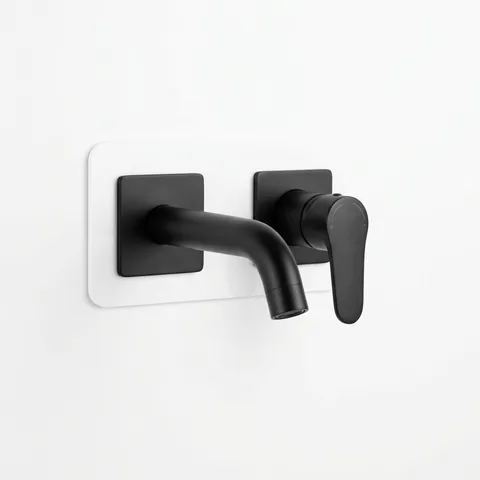
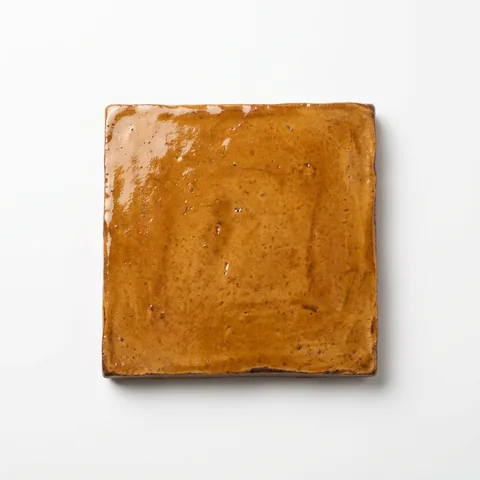
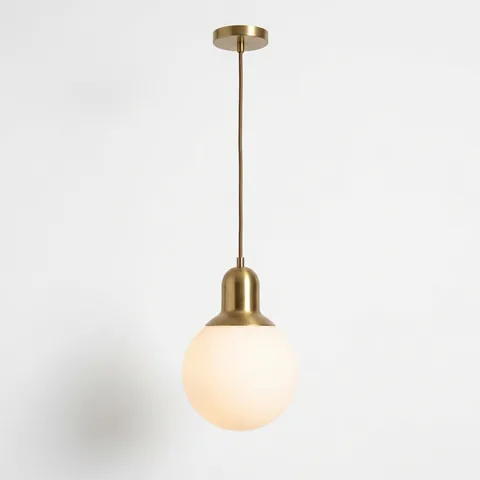
The unfair advantage in selections & handovers.
No more hunting product images, retyping supplier quotes, or digging through email for who approved what.

“We have been wanting a program like this since starting our business.”

The kind of client experience that wins the next job — in two clicks.
Every selection becomes a live collaboration space for builders, designers and their clients — not a static export.
One mixer, from the client’s pick to the wall it goes on.
Follow one product through the live Share. Every step happens on the same link your client already has.
- Decide
You spec the house as decisions. The client answers a group at a time, in build order.
Choose the kitchen mixer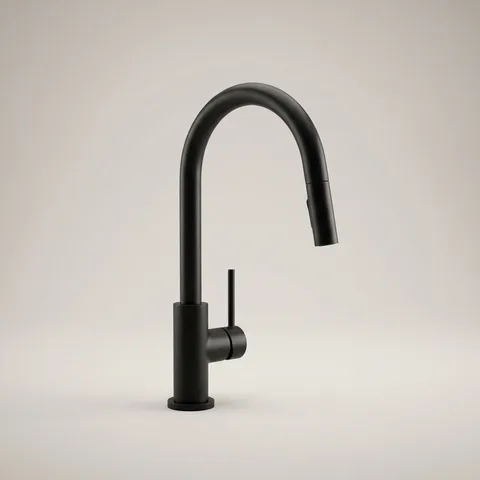
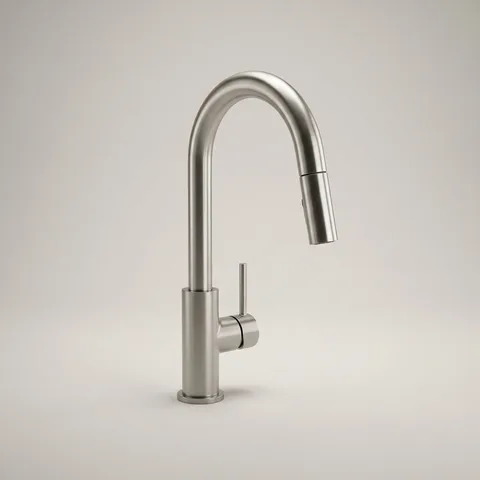
 Matte blackNickelBrassClient chose Kobe Manor, matte black
 - Comment
Client, designer and builder talk on the product. Anyone can paste a product link as a suggestion.
Kobe Manor MixerClient · Worried the black will show water spots.
Designer · Same tap in brushed brass hides them. Linked below.
Builder · Both in stock. Your call.
Suggestionfrom the designerKobe Manor, brushed brassPasted from a supplier link - Approve
Every change order gets a dated yes, on a record both sides keep.
Add a second mixer to the butler’s pantry+ 1 Kobe Manor, brass
Butler’s pantryApproved3 Oct 2026 · Sarah & TomNew baseline v3 · v1 and v2 kept - Find
Hue hunts down every manual, warranty and spec sheet, so nobody has to.
 Hue found 3 filesPDFInstall guide11 ppPDFWarranty2 ppPDFSpec sheet4 ppFiled on the Share under Kobe Manor Mixer
 - Scan
One code for the whole Share. Trades scan on site and browse by location or category.
SwatchaSite noticeThe Hawthorn House42 Hawthorn St · every productKitchenEnsuiteLaundryTapwareTilesBrowse by location or category
Give your next client a Share like this. Start free
 That’s the Share. Here’s how one gets built.
Watch a full selection build itself.
Drop a supplier quote and watch Hue, the AI built into Swatcha, extract every product, find every image, and attach every document — while you do literally anything else.
Ask Claude, ChatGPT or Grok Bot: “Add every line from the supplier quote in my email”
Drop a file. Get a full selection.
Drag a supplier quote, invoice or schedule straight into Hue's chat. It reads every line and builds the selection for you — no retyping, no copy-paste.
- Works with PDFs, spreadsheets and images
- Products, quantities and suppliers parsed automatically

Every product image, found for you.
Hue tracks down the product shots you'd normally hunt for across supplier sites and pulls them straight into the selection. Busy background on one of them? Strip it in a click.
- Sourced automatically as the selection builds
- One-click background removal when you want it

Warranties and specs attach themselves.
Manuals, spec sheets and warranties get matched to each product as you go, so the handover pack assembles itself instead of becoming a week of admin at the end.
- Matched to the right product automatically
- Your handover pack is ready when the job is
The order you build. The order you present.
Drag locations left to right and products top to bottom. Trades get the build sequence; clients get a walkthrough that flows location by location. Your PDF export and the live Share both come out that way.
Ask Claude, ChatGPT or Grok Bot: “Set up locations from the plans in my Drive”
- Locations left to right, products top to bottom
- Honoured in the PDF and the Share — no re-sorting
Some jobs just need a PDF and a folder.
Not every client wants a website. Export the branded schedule with every document attached and hand it over however you like — the live Share is there if you want it, not because you have to.
Cover page, a page per location, every product with its supplier and SKU.

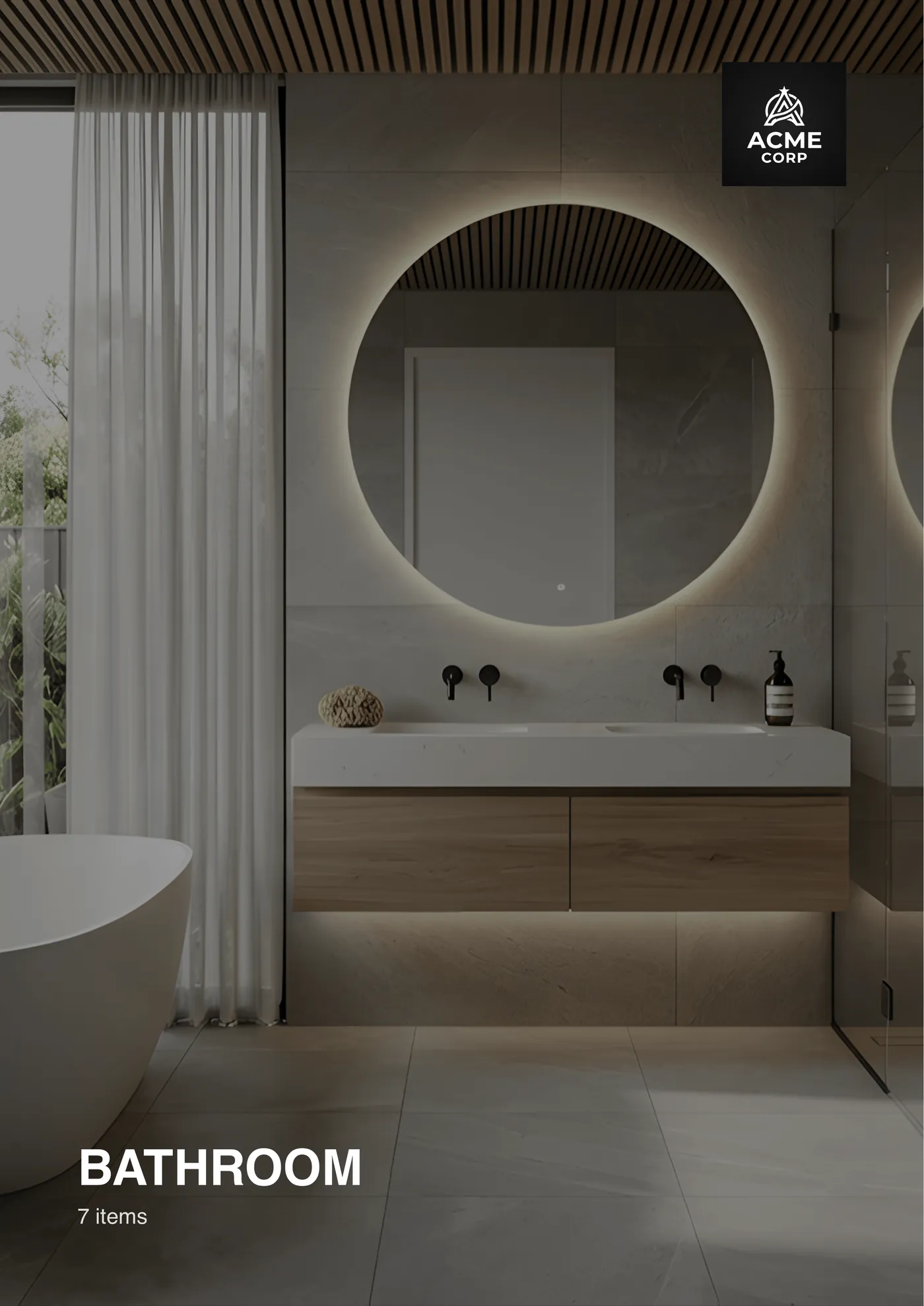
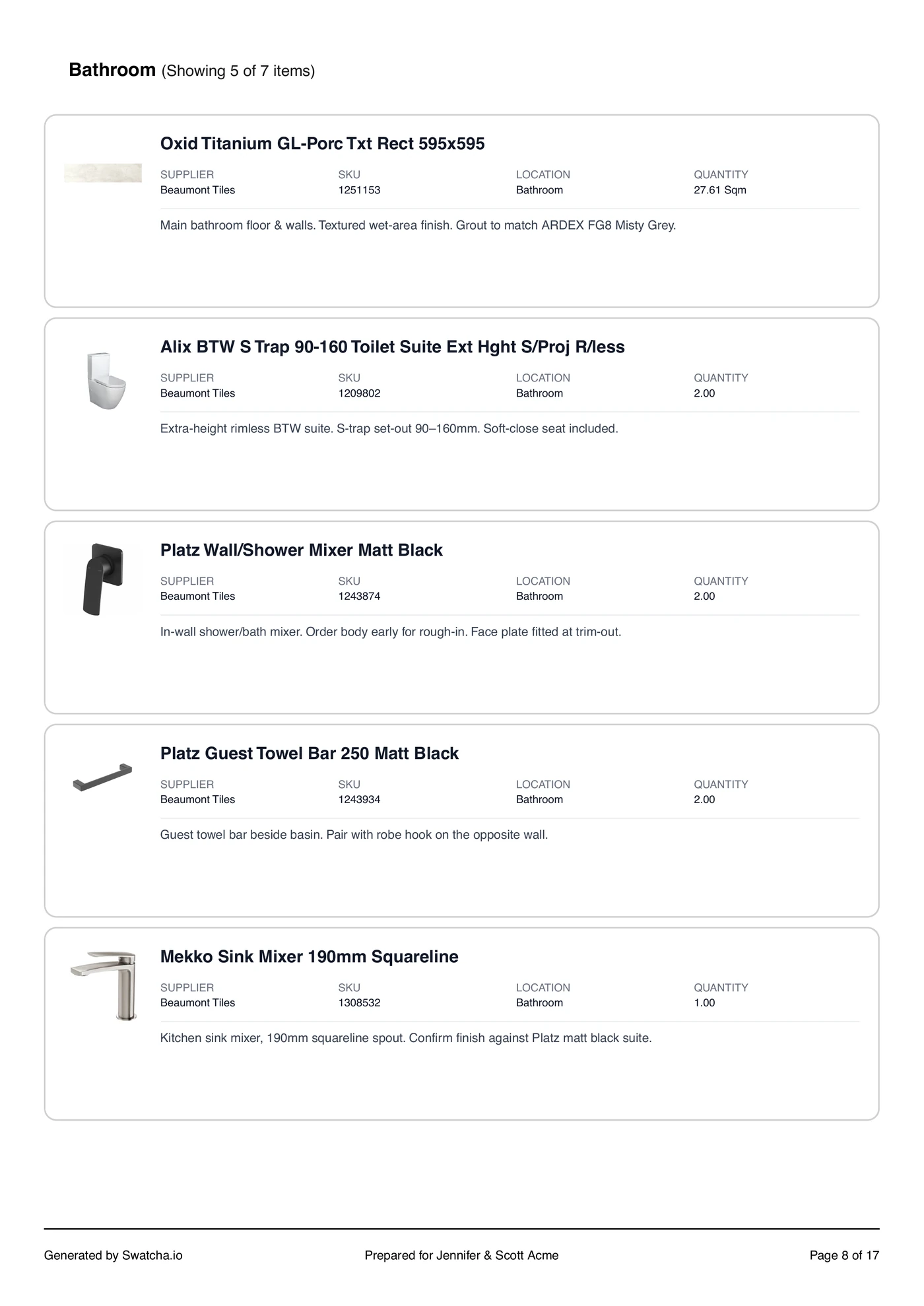

Export one yourself in the free walkthrough — before you pay anything.
Set it up once. Then it’s minutes.
The second project shouldn't cost what the first one did. Save any project as a template — every location, every product, every decision — and the next one starts already built.
Standard 4-bed · Coastal
Locations, products and decisions
Everything you'd rebuild by hand on the next job — saved once, in the order you actually work.
A new project in a couple of clicks
Start from the template and the schedule is already there. All that's left is the swaps this client wants.
Change the spec, change the template
When your standard tapware changes, update it in one place instead of remembering it four projects from now.
You don’t pay to look around.
Sign up free, walk a sample project and export it. Pick a plan when you start a selection of your own — that's when the 14-day trial begins.
Starts with a 14-day free trial · Billed annually · Cancel any time
What's included?
- 10 Bulk Imports per month
- AI-powered product extraction
- Unlimited Selection PDF exports
- Custom PDF Branding
- Unlimited Product Image Search
- 150 image background removals per month
Only a few builds a year? Go monthly — subscribe when a project starts, cancel when it's done.
Bring the whole office into Swatcha.
Your seat is included. Add estimators, designers and site supervisors to the same selections and Shares, each with their own login. Prorated on your next invoice.
- You


Frequently asked questions
Everything you need to know about Swatcha.